
Getting access to your WordPress dashboard is a simple task using our step by step guide
Enter Login URL in Browser address bar
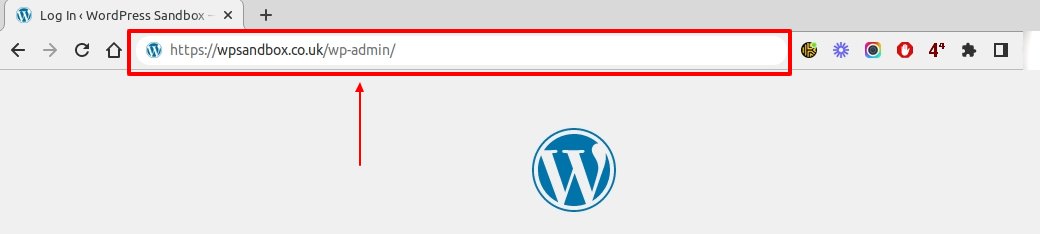
The WordPress administration Dashboard can usually be accessed by adding /wp-admin to the end of your web address, eg http://www.example.com/wp-admin . This is called the URL (“Uniform Resource Locator”) is the unique address of a page on the internet. It can be access via the address bar in your web browser which is usually located near the top of your browser window.
Enter Username or Email & Password
You will need to login with your email or your username, and your password. These will have been set up when you were added to the website.
Lost your password?
If you have forgotten your password, you can follow the steps in the article below to recover it
How to: Reset your WordPress Password (Password lost)