
If you are attempting to validate your domain with an external service, for example GSuite or Outlook, you may be asked to add a TXT or text record to your Domain name.
Typical TXT records include SPF, DKIM, DMARC or authorisation codes. Your service provider should provide these records.
To add these records to your domain, follow the guide below
Login to our client portal
How to: Login to the Watch the Dot Client Portal
Navigate to the Domain Control Panel
How to: Login to your Domain Control Panel
Select DNS Management
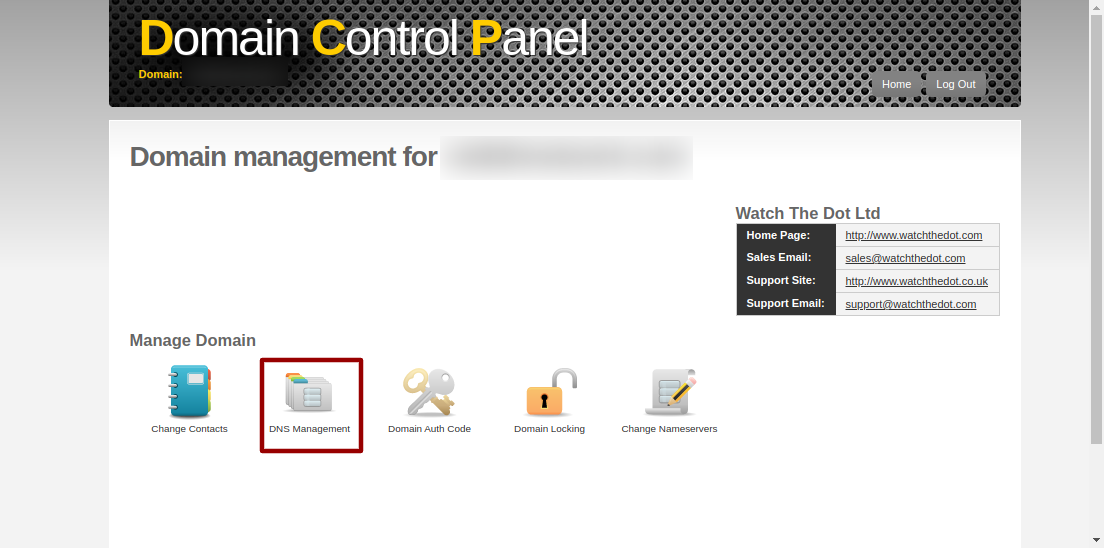
Navigate to TXT Records
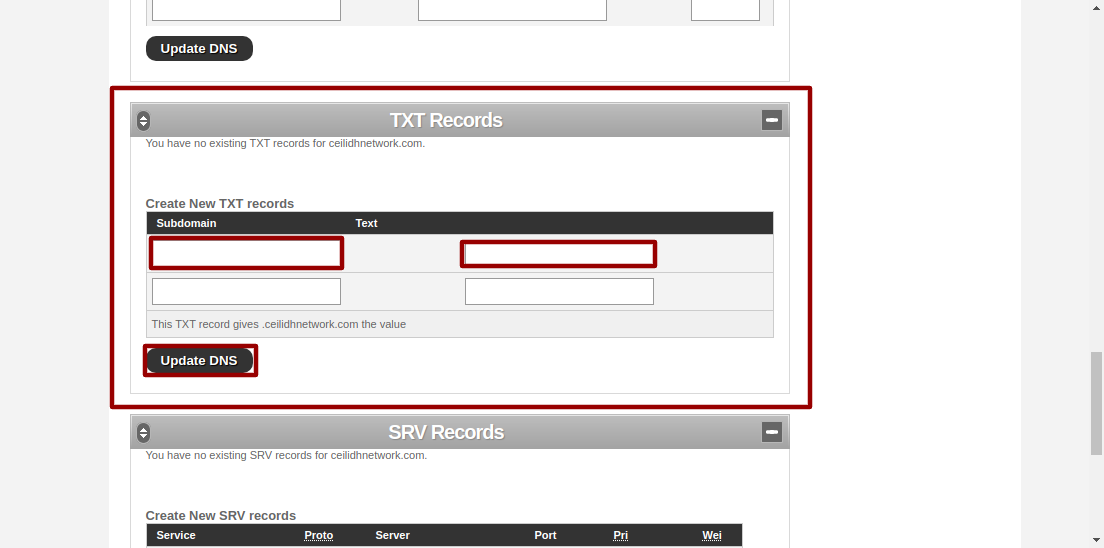
Scroll to the TXT Record section and add the TXT record provided by your supplier. Don’t forget to click Update DNS on completion
Want us to do it for you?
Order our paid support product