
The client portal is where you raise requests, see your invoices, and manage your hosting and domains. You have one login for everything, even if we look after several websites for you.
-
Go to the portal
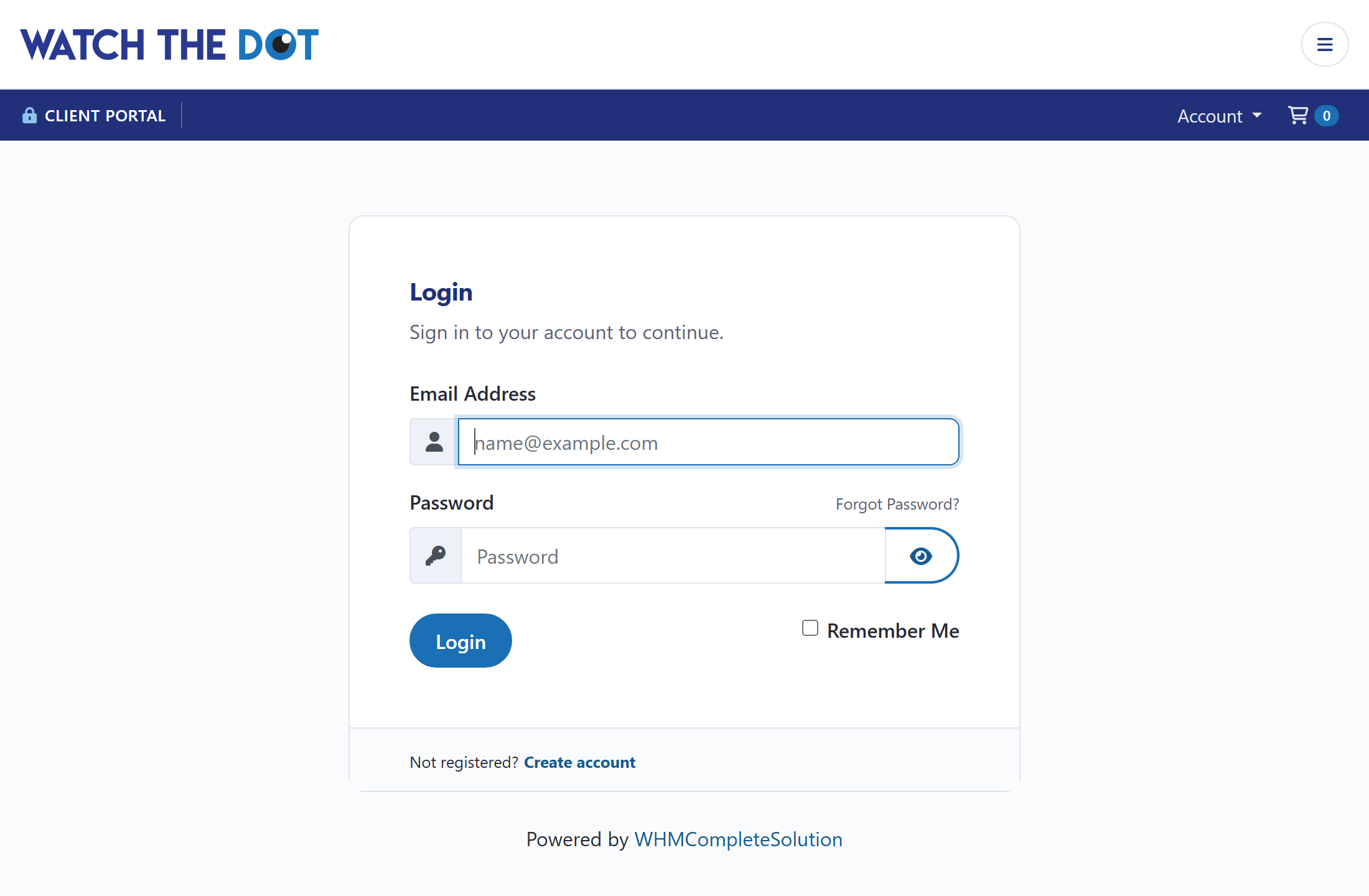
Go to www.watchthedot.co.uk/clientarea.php, or use the Client login link at the bottom of any page on watchthedot.com.
-
Log in
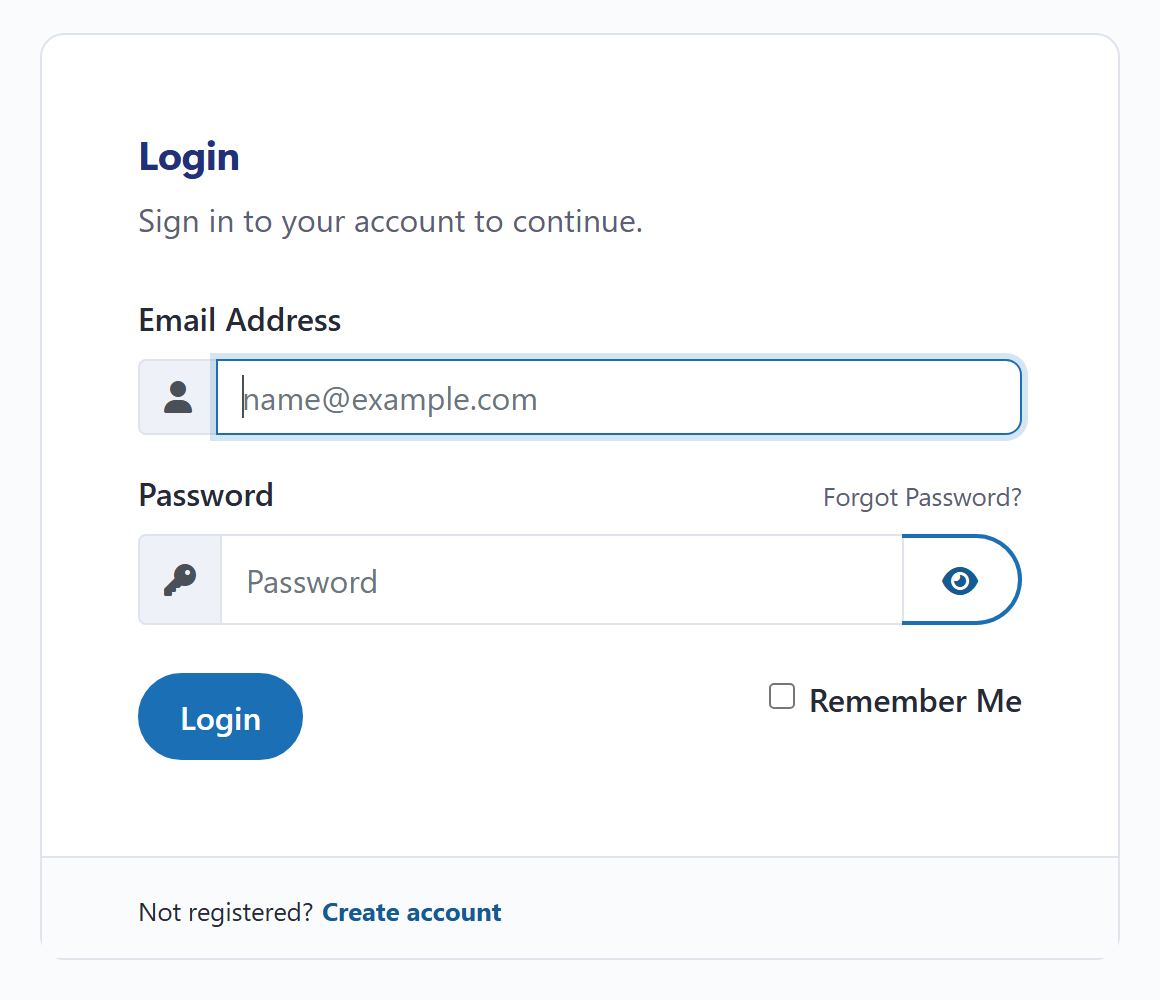
Enter the email address and password for your Watch the Dot account. If someone in your organisation set the account up, ask them to add you as a contact with your own login rather than sharing theirs.
-
Forgotten your password?
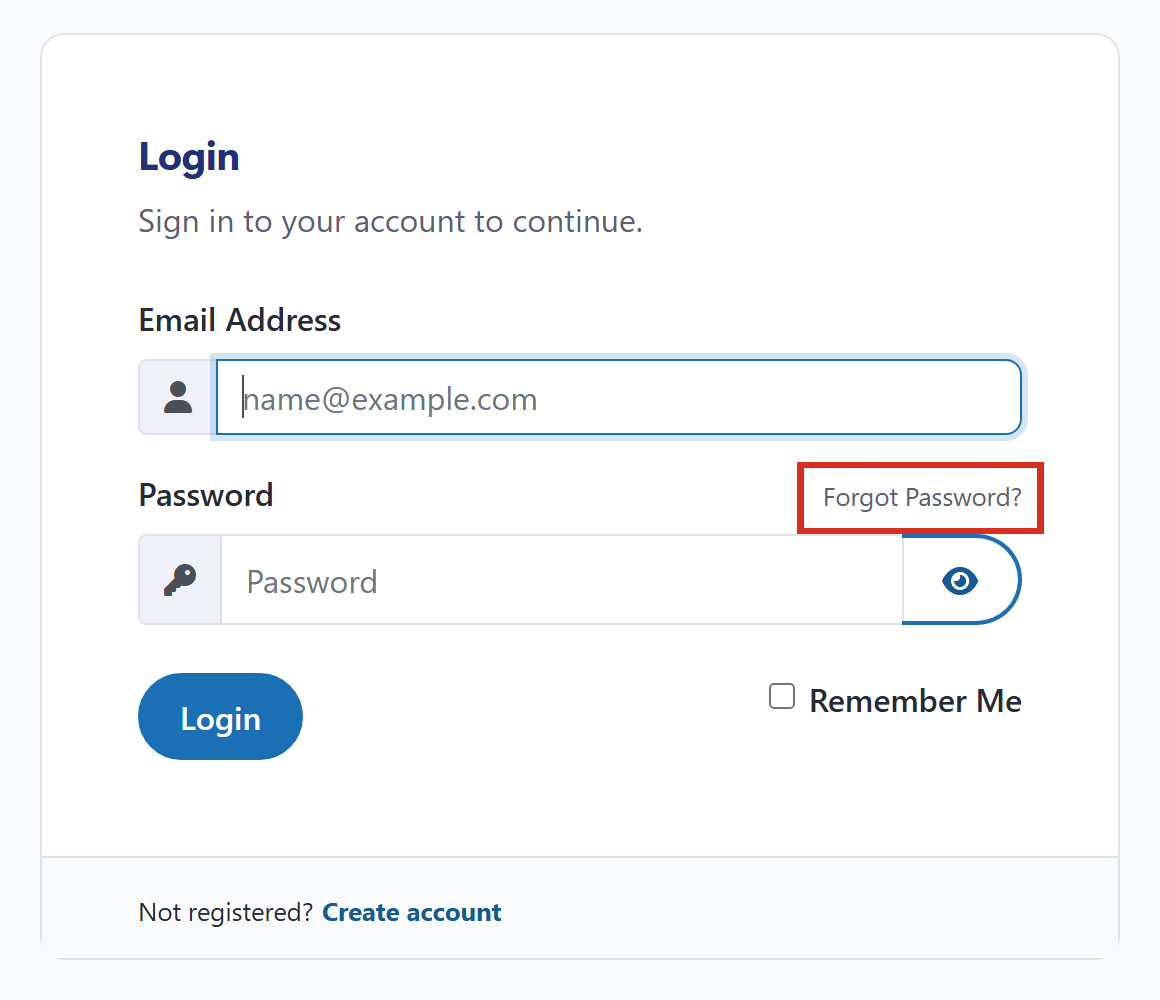
Click Forgot Password? above the password box.
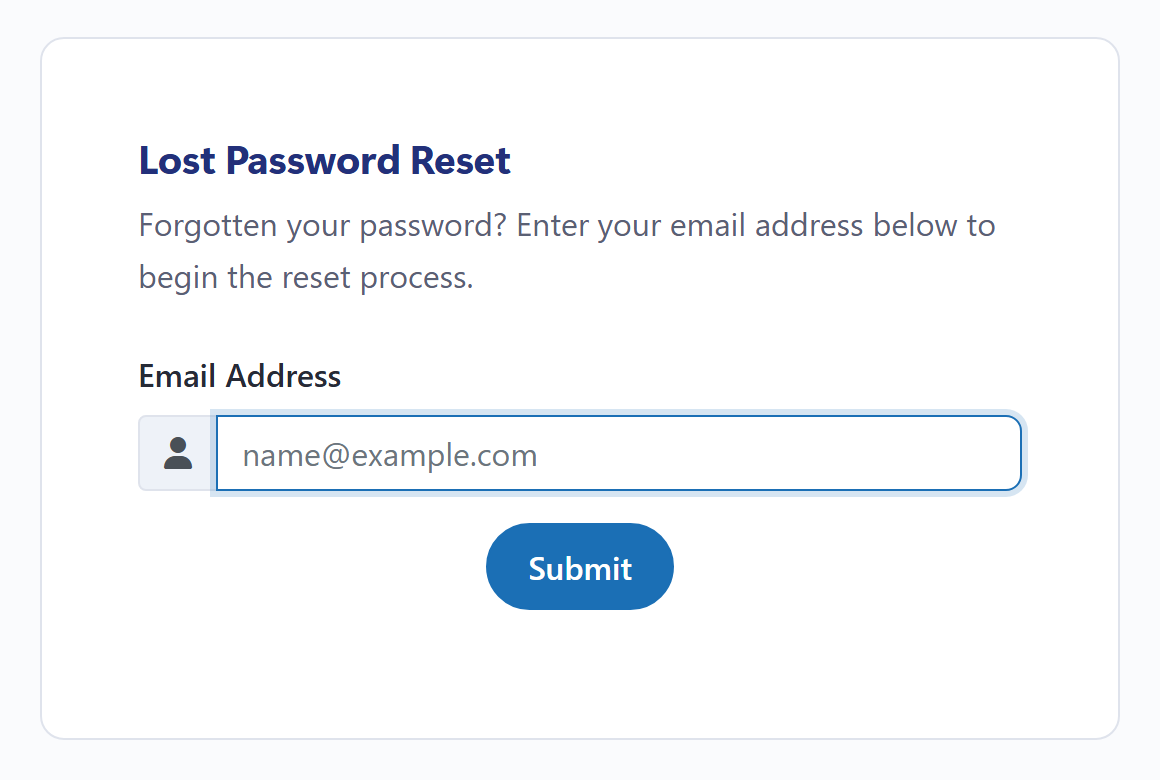
Enter your email address and click Submit, then follow the email you’re sent.
From the portal you can
- Raise and follow requests (Support → Tickets).
- Pay invoices and save a payment card for renewals.
- See your hosting, domains and care plan, and when each renews.
- Log straight in to your hosting control panel, without a separate password.