
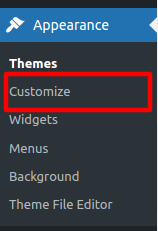
If you are going away on holiday or need to display a message on your website that will appear on all pages, WooCommerce has built in a sitewide “Store Message” function. This is slightly hidden away, but very simple to setup when you know where it is.
Login to your WordPress Website
How to: How to Login to your WordPress Website
Navigate to the Customizer
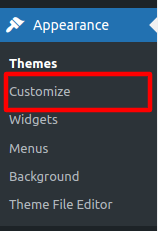
This can be found beneath Appearence > Customize in the main WordPress dashboard menu
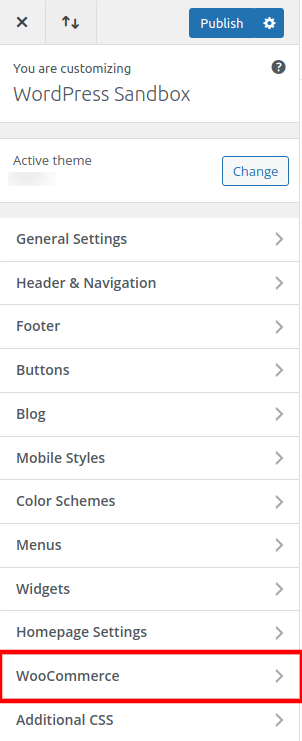
Select WooCommerce in the Customizer
Select Store Notice
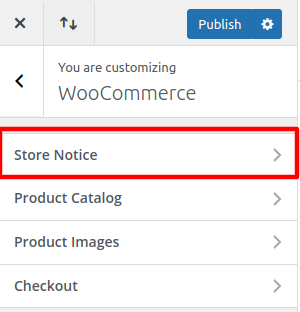
Configure the Notice
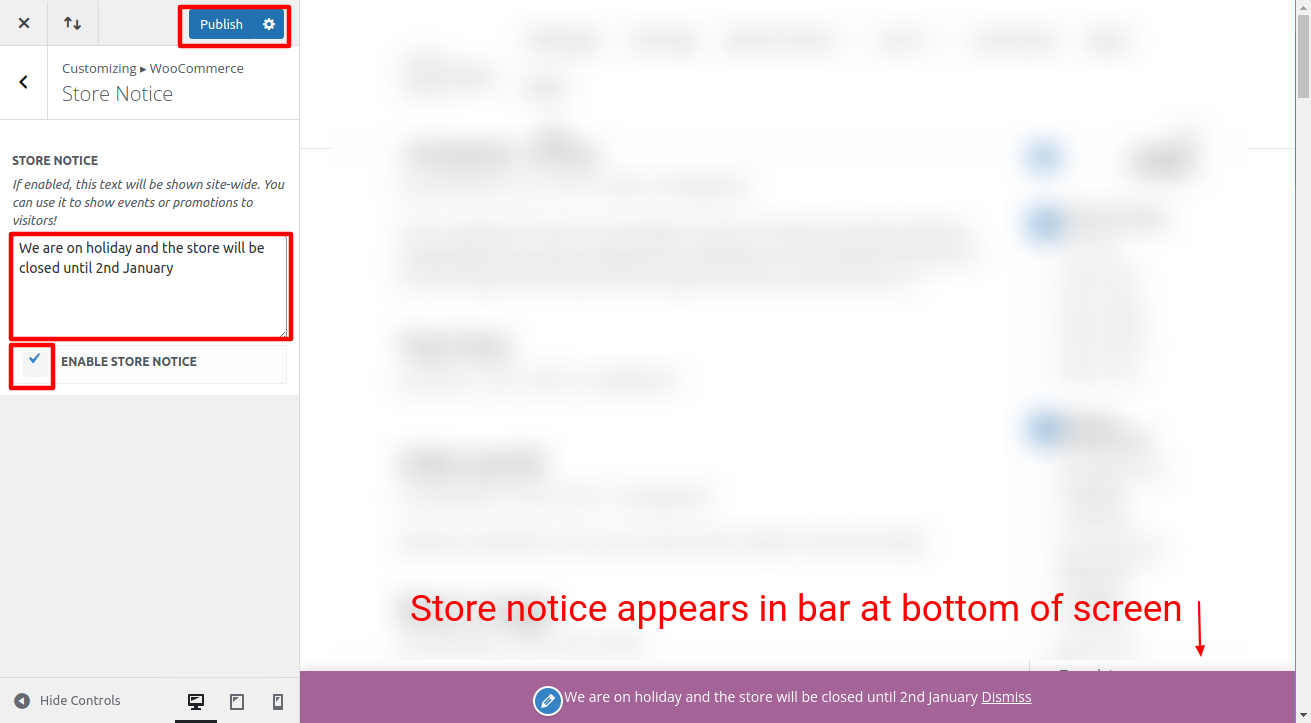
Enter your holiday or store message
Select the “Enable Store Notice” checkbox
Select the Publish button to set the notice live
You will be able to preview the notice within the Customizer but this won’t be live until you select publish