
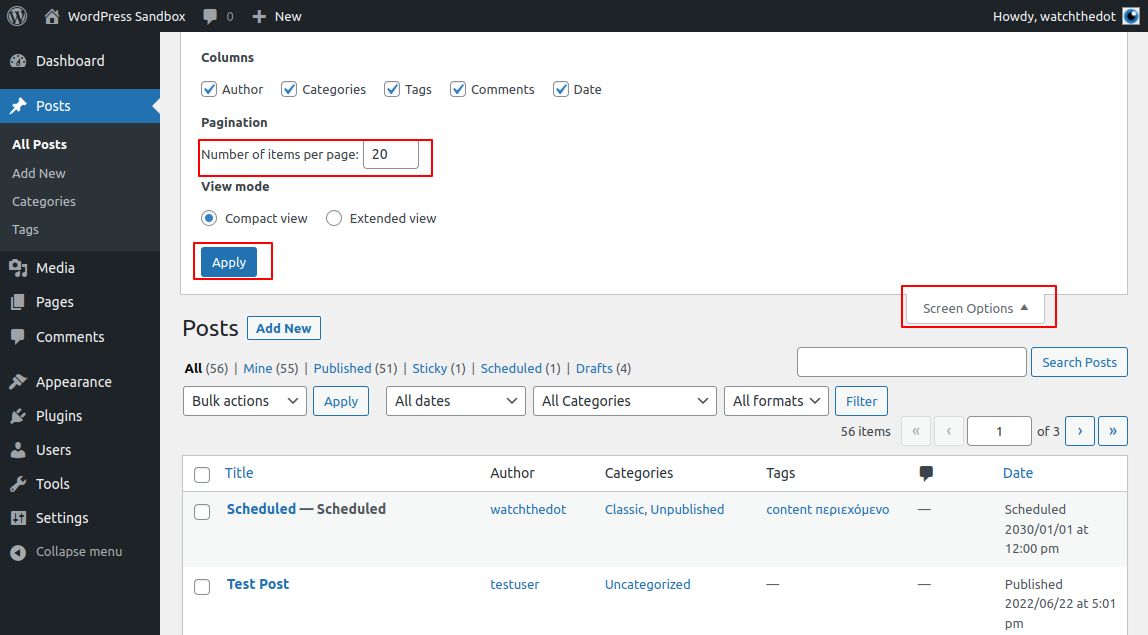
If you have a lot of pages, posts or products on your WordPress website, you may wish to view more the default 20 items at a time in the Dashboard index.
Luckily this is very simple to change!
Screen Options
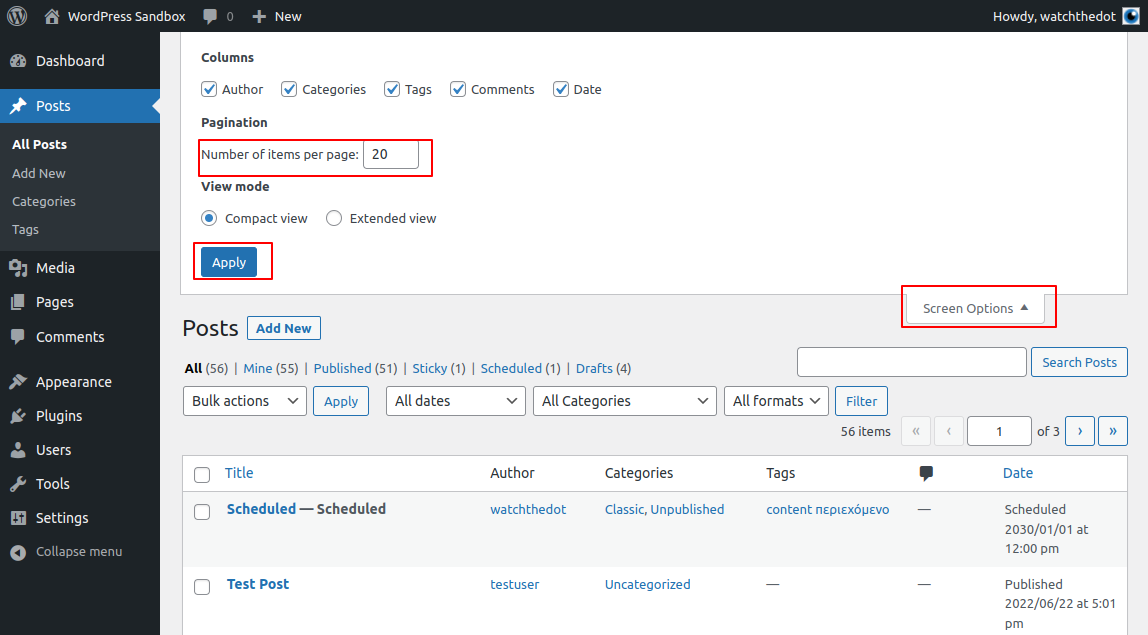
In the top right of your WordPress Dashboard is a small tab marked Screen Options
Clicking this will open the Screen Options section which will allow you to change the Number of items per page
Don’t forget to hit Apply when done!