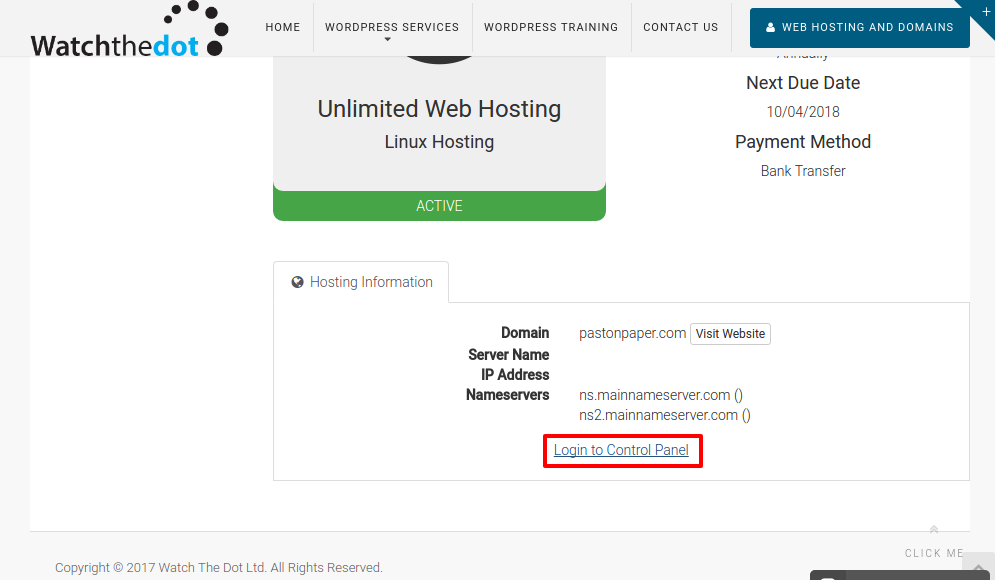
When creating a webhosting account with Watch the Dot, you will receive an email with your individual hosting account’s login credentials. If you have a number of accounts, these can be difficult to manage and remember. To help with this, we also provide a quick login feature.
Step 1 – Navigate to www.watchthedot.com and select Web Hosting and Domains

Click to open www.watchthedot.com/services in a new tab
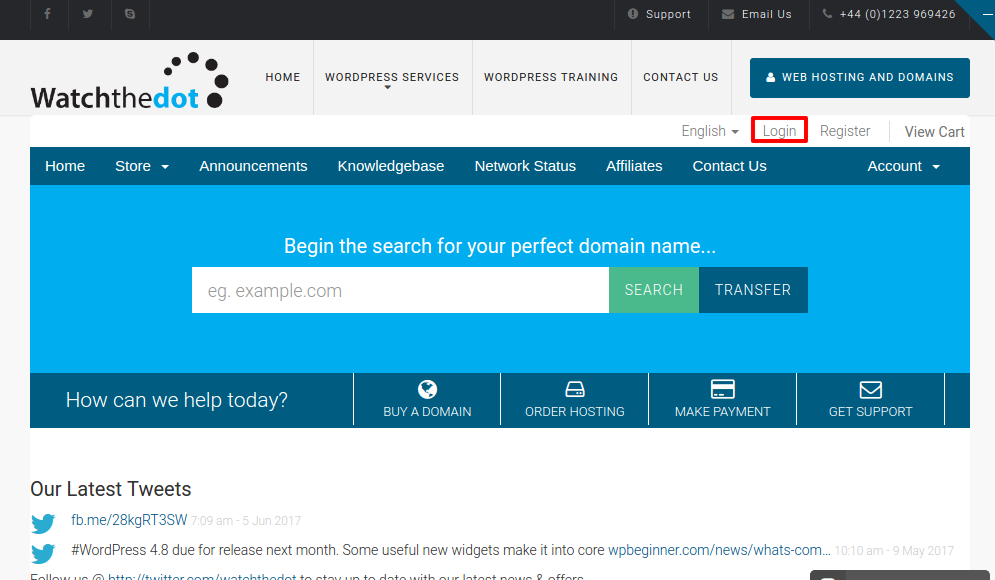
Step 2 – Select the Login Link
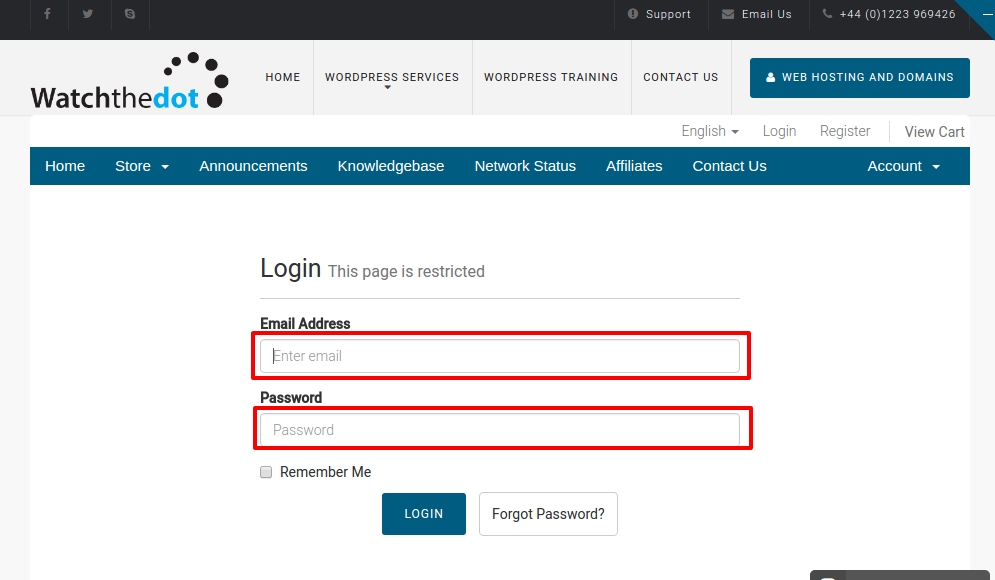
Step 3 – Login with your Watch the Dot username and password.
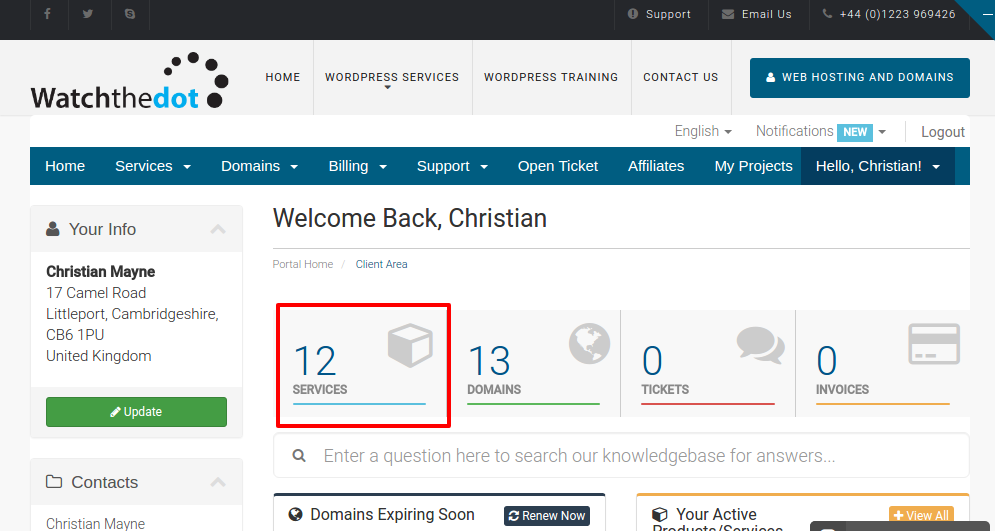
Step 4 – Select Your Services
Step 5 – Select the service you wish to work with
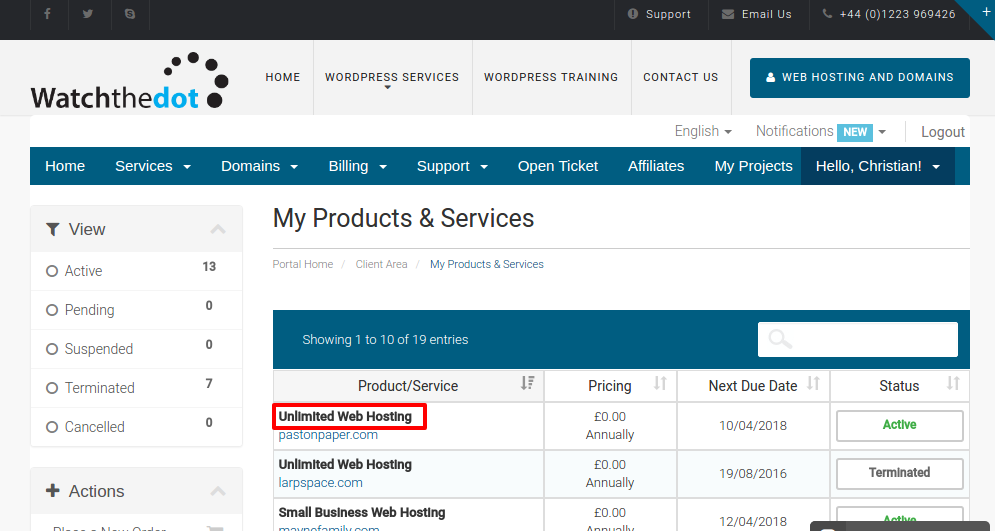
Select the service name. Note selecting the website url will take you to the website, not the webhost.
Step 6 – Select the Login to Control Panel link